
Devices
Overview
Devices covers the hardware and the software that capture a clock-in at a fixed point: the terminal at the door, the tablet on the wall, the card in someone's pocket. It exists because not every workforce can clock in from a phone, and because a shared terminal is the only practical option where people do not carry one.
Whichever method you use, the output is identical. A face match, a card read and a tag scan all produce the same punch against the same employee, which is what stops the attendance record fragmenting by device type.
Punch Clock Devices
Terminals are registered once, assigned to a site, and then monitored. The device list is where you check that everything is reporting, which is worth a glance at the start of the week: a terminal that has quietly stopped syncing is only obvious once someone's hours are missing.
Device Logs
Device Logs is the unprocessed record: every read, with a timestamp, before any attendance logic is applied. When a punch is disputed, this is the layer to check first, because it shows what the hardware saw rather than what the system made of it.
Kiosks
A Kiosk turns an ordinary tablet into a clock-in point. It suits a small team, a temporary site, or anywhere a full terminal is more hardware than the situation warrants.
Mount it where people naturally pass rather than where the power socket is. A kiosk in an awkward corner produces exactly the missed punches it was installed to prevent.
Kiosk Logs
Kiosk Logs gives tablet-based punches the same audit trail as the fixed terminals, so a punch made on a kiosk is as defensible as one made on a biometric reader.
Transaction Review
Transaction Review sits between the hardware and Attendance. It is where device data is reconciled: duplicate reads, punches from a terminal that was offline and has since caught up, reads that cannot be matched to an employee.
Biometrics
Biometric identification uses face recognition to confirm who is clocking in. It is the strongest answer to buddy punching, because there is nothing to hand to a colleague.
Enrol people in good light and let them enrol twice, once with glasses and once without if they wear them. Most recognition complaints trace back to a poor initial enrolment rather than the reader.
RFID Cards
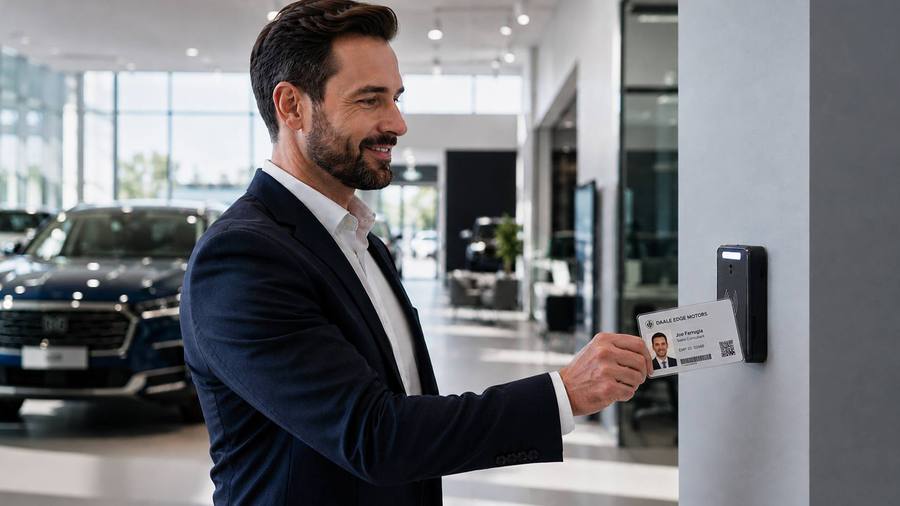
Where biometric data cannot be used, whether for policy reasons or because staff object, RFID cards do the same job. The trade-off is honest: a card can be lent, so it is a weaker control, but it is a real one and it is accepted everywhere.
NFC Tags
NFC tags are placed on equipment or at locations, and scanned with a phone. They are the same technology the Patrol module uses for checkpoints, which is why a business running both tends to standardise on one set of tags.
Frequently asked
How do I add a new clock-in terminal?
Register the device, assign it to a site and it starts feeding attendance. The device list shows health, so a terminal that has stopped reporting is visible rather than discovered at month end.
Do kiosk punches get the same audit trail?
Yes. Kiosk Logs give the same record as device logs, so a tablet punch is as traceable as one from a wall unit.
Does face recognition stop buddy punching?
That is what it is for. A face cannot be handed to a colleague in the car park the way a card can.
Someone lost their card. What now?
Deactivate the old card against the employee and issue a new one. The old card stops being accepted from that point, and the history stays attached to the person.
What happens to punches if the internet drops?
Reads are held on the device and arrive when the connection returns. The gap shows in the device logs, which is worth checking after any known outage.